
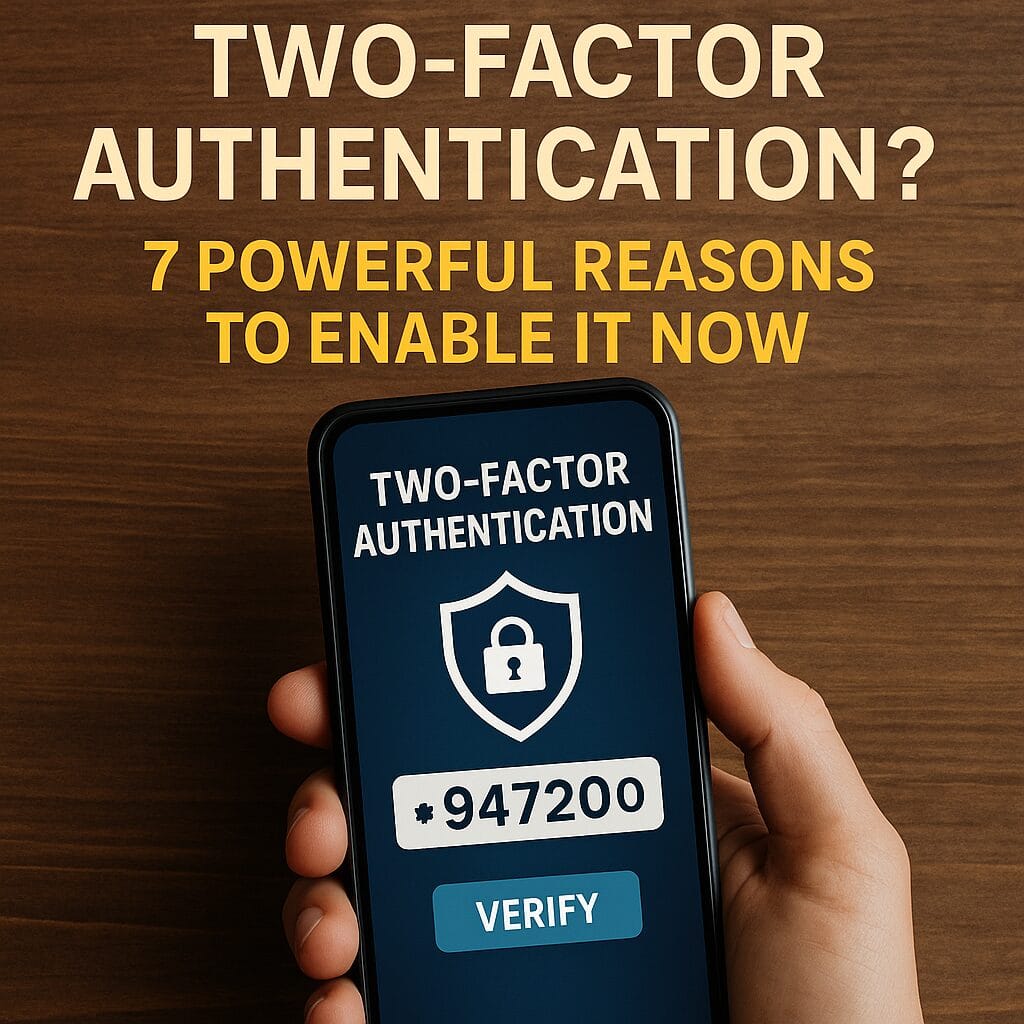
What is two-factor authentication? It’s a simple, powerful security step that requires a second proof of identity after your password. By understanding what is two-factor authentication and how it works on services like Gmail, Facebook, Instagram, banking apps, and cloud storage, you can block most account break-ins with minimal effort.
How Two-Factor Authentication Works (in 20 seconds)
After you enter your password, the site asks for another factor—typically a one-time code from an authenticator app, a text message, a hardware key, or biometric verification. This means that even if someone steals your password, they still can’t log in. If you’ve ever wondered what is two-factor authentication in real life, it’s that extra check that stops unauthorized access cold.
7 Powerful Reasons to Enable Two-Factor Authentication Now
1) Passwords get stolen all the time
Data breaches and phishing are common. Knowing what is two-factor authentication helps you understand why a second factor blocks attackers who only have your password.
2) It stops automated attacks
Credential stuffing bots try leaked username/password combos at scale. With 2FA enabled, those bots fail. This is one of the most practical answers to what is two-factor authentication doing behind the scenes—it breaks the attacker’s automation.
3) It protects your inbox (and everything linked to it)
Your email is the master key to password resets. Enabling 2FA on email first is crucial. When people ask what is two-factor authentication good for, protecting email is #1.
4) It’s easy and free on major platforms
Google, Apple, Microsoft, Meta, PayPal, Amazon, and banks support 2FA at no cost. If you grasp what is two-factor authentication, turning it on takes minutes and pays off for years.
5) Authenticator apps work offline
Time-based codes from Google Authenticator, Microsoft Authenticator, or Authy don’t need cell service. This makes what is two-factor authentication reliable when you’re traveling or out of coverage.
6) Hardware security keys are rock solid
Physical keys (e.g., YubiKey, Titan) provide phishing-resistant security. If you handle sensitive data, what is two-factor authentication at the highest level often means using a hardware key.
7) It gives peace of mind
Once you enable it, you’ll worry less about reused passwords or old breaches. For most people asking what is two-factor authentication worth, the answer is: far more than the few seconds it adds to login.
Exact Steps: Turn On 2FA in Minutes
- Open the site/app > Settings > Security or Login & Security.
- Select Two-Factor Authentication (sometimes called 2-Step Verification).
- Choose a method: Authenticator app (recommended), SMS, or Hardware key.
- Scan the QR code with your authenticator app or register your key; enter the code shown.
- Save backup codes in a safe place (password manager or printed copy).
These steps are similar across major platforms. If you’re showing a friend what is two-factor authentication, start with their email or primary social account, then add banking and cloud storage.
Smart Tips for Using Two-Factor Authentication
- Prefer authenticator apps over SMS when possible (codes aren’t tied to cellular reception).
- Store backup codes offline—treat them like spare keys.
- Add at least two methods (e.g., app + hardware key) to avoid lockouts.
- Use a password manager to generate unique passwords—2FA + strong passwords is best.
Common Myths (Debunked)
“It’s too complicated.” Enabling 2FA is usually a 2–3 minute setup. Once done, logins add only a few seconds. Understanding what is two-factor authentication removes the intimidation factor.
“I don’t need it.” If you reuse passwords or your email gets breached, everything linked can fall like dominoes. That’s exactly why what is two-factor authentication matters for everyone.
“I’ll get locked out if I lose my phone.” Not if you save backup codes and add a second factor (like a hardware key or secondary app).
FAQ
What is two-factor authentication in simple words?
It’s an extra verification step—like a code or key—required after your password. Learning what is two-factor authentication helps you stop account takeovers.
Is SMS 2FA safe?
It’s better than no 2FA. Authenticator apps and hardware keys are stronger, but SMS still blocks most attacks.
Which accounts should I secure first?
Start with email, then banking, password manager, cloud storage, and social media. That’s where what is two-factor authentication delivers the biggest protection.
Related: For a complete overview of staying protected online, read our Ultimate Online Safety Guide 2025.
Helpful Resources
- Google — Turn on 2-Step Verification
- Microsoft Security — Why passwords alone don’t work
- Authy — What Is 2FA?
- CISA — Use MFA (Multi-Factor Authentication)
Explore More on AnswerNimbus
Want practical privacy and performance tips? Visit Tech Help for guides on securing accounts, fixing devices, and staying safer online.

AnswerNimbus publishes practical how-tos, definitions, and tech help for everyday users.